
Add theaha in yourlife.
A visual design language and mobile app for aha, an ad-free Telugu streaming platform. We studied who watches, how the big three streamers design, and shaped a bold, cinematic UI from onboarding to payment.
A local platform that has to feel as big as the giants.
aha streams movies, originals and shows made only for Telugu audiences. Viewers compare it to Netflix, Prime Video and Hotstar every day, so the design had to match that standard while feeling unmistakably local.
Five audiences, one app
From a 19-year-old multitasker to a 65-year-old who prefers television. The same screens had to work for all of them.
Learn, segment, design
Audit the top three streamers, split the audience into personas and age groups, then write design considerations before drawing a single screen.
Bold. Clear. Focused.
A dark, cinematic UI with one vibrant orange, built from onboarding and language choice through home, detail, downloads and payment.
Research first, pixels last.
This project was a starting point for aha's visual language, so the process was built to bring stakeholders along at every step.
Brief
Why reposition aha.
- Business story
- 3 imperatives
Brand
Who aha is.
- Personality
- Audience traits
Benchmark
What the best do.
- Netflix
- Prime Video
- Hotstar
Audience
Who we serve.
- 5 personas
- 3 age groups
Direction
How it should feel.
- UI trends
- Type & colour
UI
The screens.
- Onboarding
- Home & detail
- Payment
Product strategy.
Before any design: why aha exists, what the brief demands, and what it would take to compete.
Business story
aha is an exclusive Telugu on-demand video streaming platform. Its library spans movies, original web series and shows across genres, added regularly and tailored for the Telugu audience. Content is ad-free, because nothing should come between you and your enjoyment.
Three reasons to reposition aha
- Be number one local OTT platform
- Nurture young and new talent
- Provoke their emotions
Raw, fresh and GlobalLocal.
Brands that connect emotionally carry traits of desirability such as allure or exclusivity. These words steered every visual decision.
What we learned from the giants.
We annotated the apps of Netflix, Prime Video and Disney+ Hotstar to make well-informed decisions while repositioning aha. Here is what each taught us.
Netflix
- Simple, intuitive cards give a clean, aesthetically pleasing, uncluttered experience
- Informative tags on each card set the tone
- Shadows move cards to the front and define the hierarchy of elements
- Icons carry a shared visual language and gestures give quick responses
Prime Video
- A visual feed of cards for users' pleasure
- Larger cards for featured content, short lines that keep readers moving
- Shapes and the same page makes it easy to distinguish information
- Search reduces the number of clicks
Disney+ Hotstar
- Top navigation uses the brand's primary colour; rest can have a lighter primary
- Colour applied purposefully, with text and important elements visible on colour
- Small cut corners avoid intruding on content
- Dark themes reduce luminance, which helps in low-light viewing
Serving audiences.
Five viewer types, then three age groups, each with its own design considerations.
From the connoisseur to the sceptic.
Click a persona to place them on the spectrum of how much they watch and pay.
Three ages, three rulebooks.
Personas told us who. Age groups told us how to design for them. Pick a group.
Design considerations for teens
Teens are very confident in their technological abilities, but compared to adults they have much less patience and fewer research skills, which can reduce their success rate at completing their original goal. It is an audience constantly looking for the next best thing.
Colours and content
- Bright colours for key messages and calls to action, without overusing colour across the app
- Keep content brief, interesting and engaging
- Keep key information to a 6th grade reading level
Layout and navigation
- Simple navigation and an uncluttered layout for multitaskers
- A prominent call to action
- Speed matters: teens leave if a screen is slow to load
UI elements
- Scannable content, visually illustrated concepts, easy-to-read chunks
- Keep aha clean so multitaskers can "visually breathe"
Let's get social
- Integrate social interactions where appropriate, such as sharing to social platforms
Design considerations for adults
Many consider this generation the most important age group to target. They tend to be more affluent than older or younger counterparts, so this segment has more buying power. While their content interests vary widely, they don't need radically different interaction features to access it.
Colours and content
- Don't rely on colour alone to convey a message; use iconography as well
- Use texture and patterns to show contrast
- Choose colours that meet contrast standards
- Keep key information to a 6th grade reading level
Layout and navigation
- Simple navigation and an uncluttered layout
- A prominent call to action on every screen
- User testing to make sure customers understand how to navigate
Design considerations for seniors
Seniors are not always top of mind when developing technology, but they are an important segment that should not be overlooked. Communicating with this audience needs a more traditional design approach and a formal communication style.
Bigger is better
- Avoid font sizes smaller than 16 pixels
- A clear range of sizes for headers, subheaders and body so content types are easy to tell apart
- Follow minimum touch target sizes on buttons and icons
Accessibility
- Increase colour contrast between elements
- Align with colour contrast standards
- Subtitles on all videos for hearing-impaired customers
Content
- Clear, simply worded content
- Legible, so larger amounts can be read on screen
- Information that is easy to find
Layout and navigation
- More white space, not less
- The fewer steps to a goal, the better; keep multi-step flows short
Our ideas for aha.
Contrast, energy, attention. A dark cinema with one vibrant orange. Everything below is live.
Bold typography
Set some text in a heavier, darker weight so key words stand out from the sea around them.
Strong gradients
Gradients can be bold or subtle, a focal point or a background, and feel both different and modern.
Unique graphics
Minimal imagery in stark contrast to a dark background leaves room for the audience's imagination.
Minimal design
Strip away the ornamental layers and leave the fundamental and necessary. Better typography, grid layouts, less colour.
Released in 2005 and designed by Mark Simonson, Proxima Nova is often described as a hybrid of Futura and Akzidenz Grotesk: a geometric appearance with modern proportions.
Noto Sans is intended to be visually harmonious across multiple languages, with compatible heights and stroke thickness. aha's language picker and Telugu titles depend on it.
Colour is the life giver.
Typography governs; colour brings the life. Like type, colour communicates emotion and empowers content. Click a swatch to copy it.
Six rules for every screen.
The final design should not only represent a strong brand image but increase the usability and immersiveness of all aha platforms.
Stunning thumbnails
Our own thumbnail designs for movies and series make recognition easier, so users find titles fast.
Strong brand image
A visually stunning brand image that primarily increases usability across every aha platform.
Cinema experience
The dark UI gives a cinema-like feel, while rich contrast among active elements keeps users in touch with where they are.
Make it interactive
Interactions must be pretty to look at and increase the product's usability.
Rich hovers
Hovering a poster reveals seasons, length and genre, so the screen never fills with details that divide attention.
Seamless transitions
Fluid, seamless transitions so every screen feels like part of a bigger whole.
Clear
Focused.
Built to be touched. Try them.
Coded from the app design. Each one shows a state or micro-interaction from the screens.
 Premium
Seasons, length and genre appear only on hover, so the grid stays clean.
Native script first, English second, so every viewer finds their language without reading ours.
Pill buttons and a sliding category tab, the same shapes seen across the app.
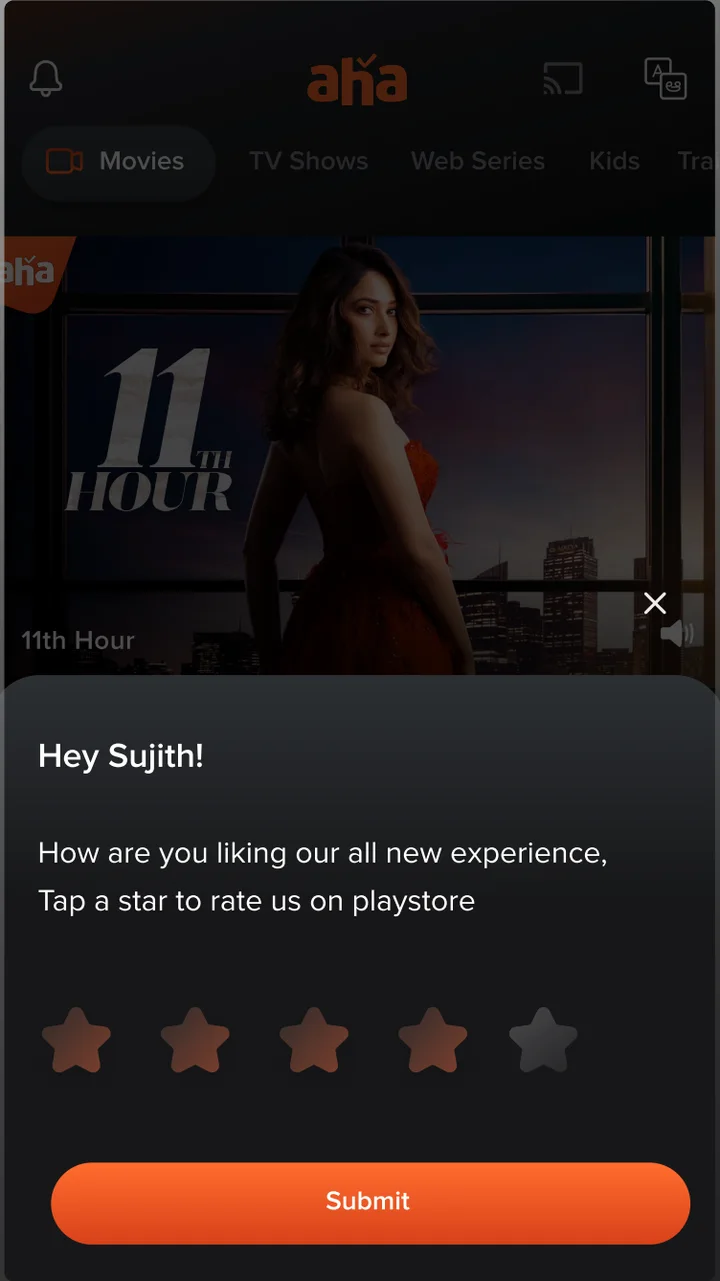
Hey Sujith!
How are you liking our all-new experience? Tap a star to rate us on the Play Store.
Stars fill as you move across them, then lock on tap.
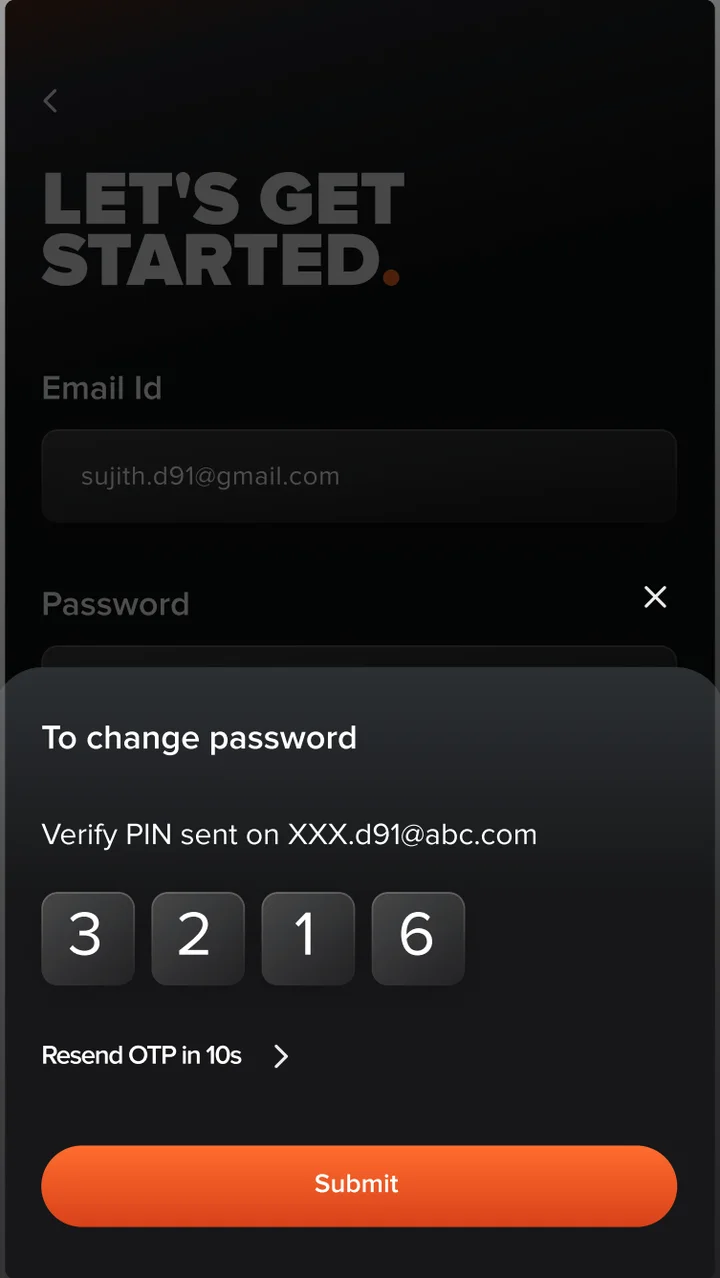
Verify PIN sent on XXX.d91@abc.com
Focus jumps to the next box as you type. Resend OTP in 10s.
Hours per GB instead of bitrates. Keshav downloads a lot and understands time, not megabits.
Dark cinema, readable seats.
Seniors asked for contrast and bigger type, so we checked every pair against WCAG 2.2. Body text passes AAA. The brand orange needs one rule.
The rule: orange buttons use dark text (#1C1B20 on #FD6D39 = 6.1:1), never white. Same brand, same energy, and every label passes AA for the audience that needs it most.
User interface design.
The full journey, from the first launch to a paid subscription.
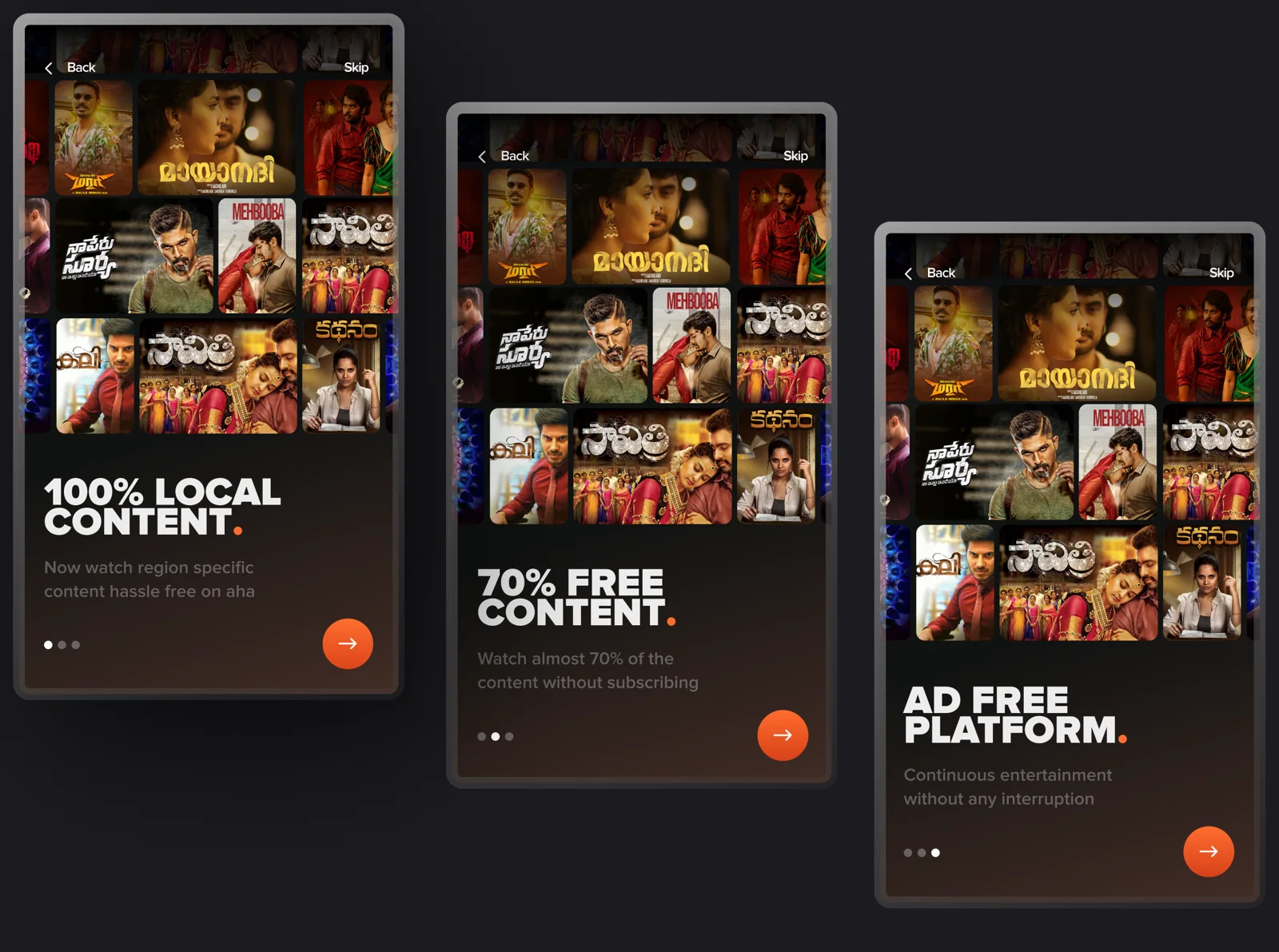
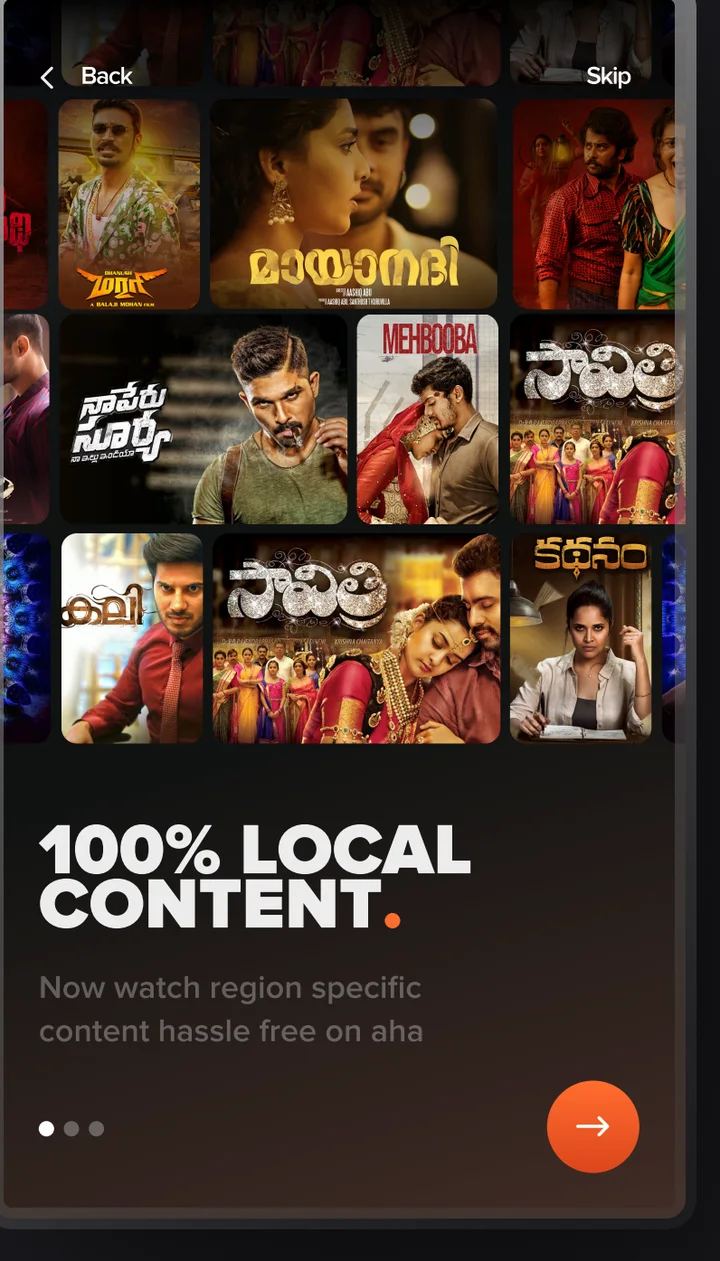
Three promises in bold uppercase. Skip is always one tap away.
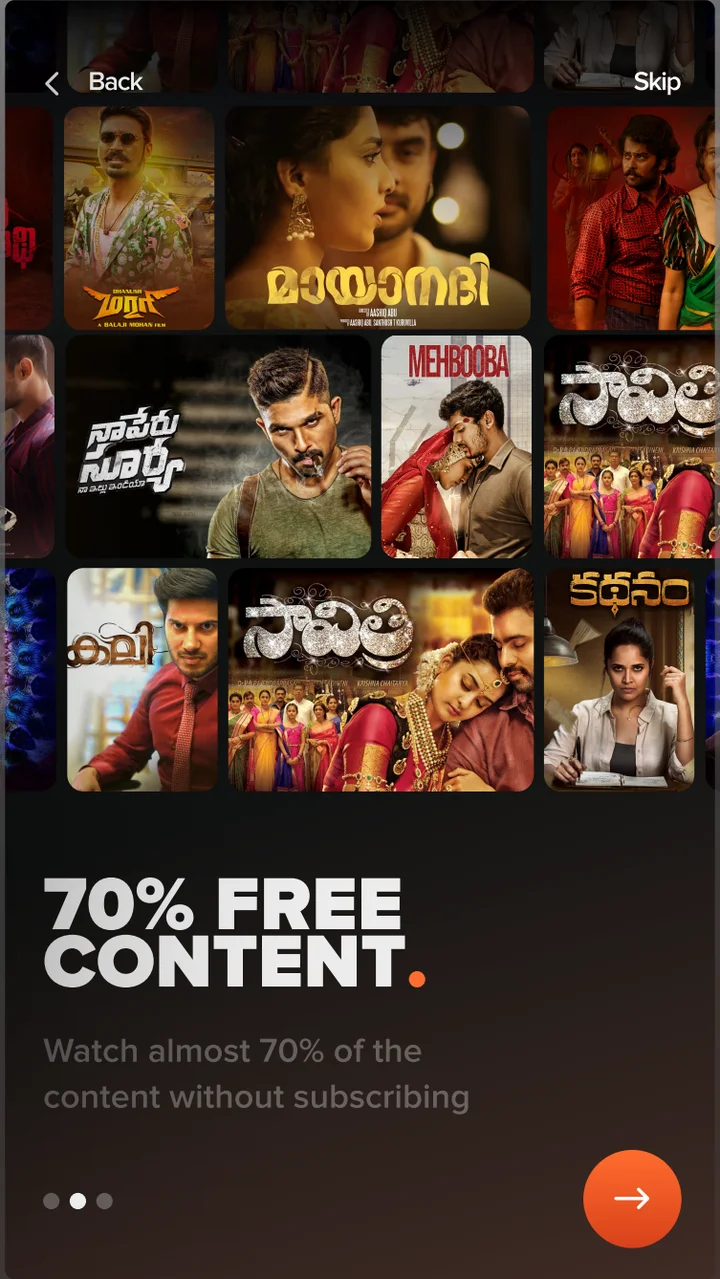
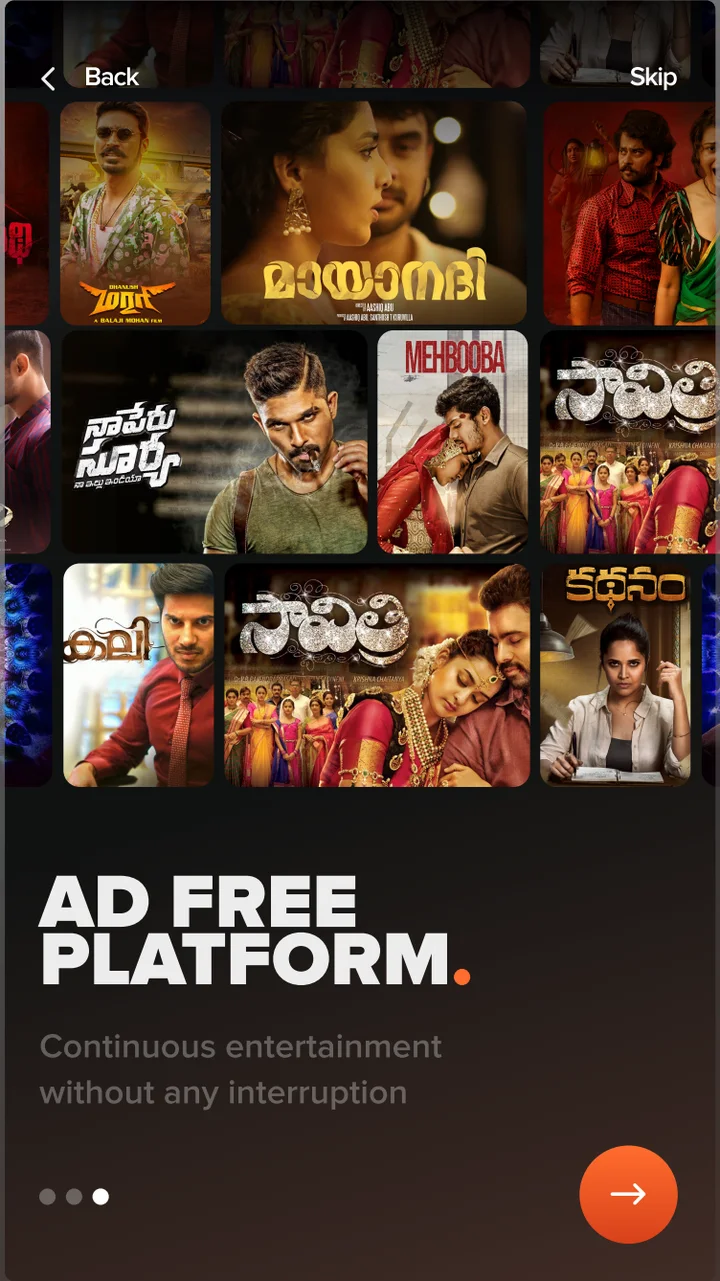
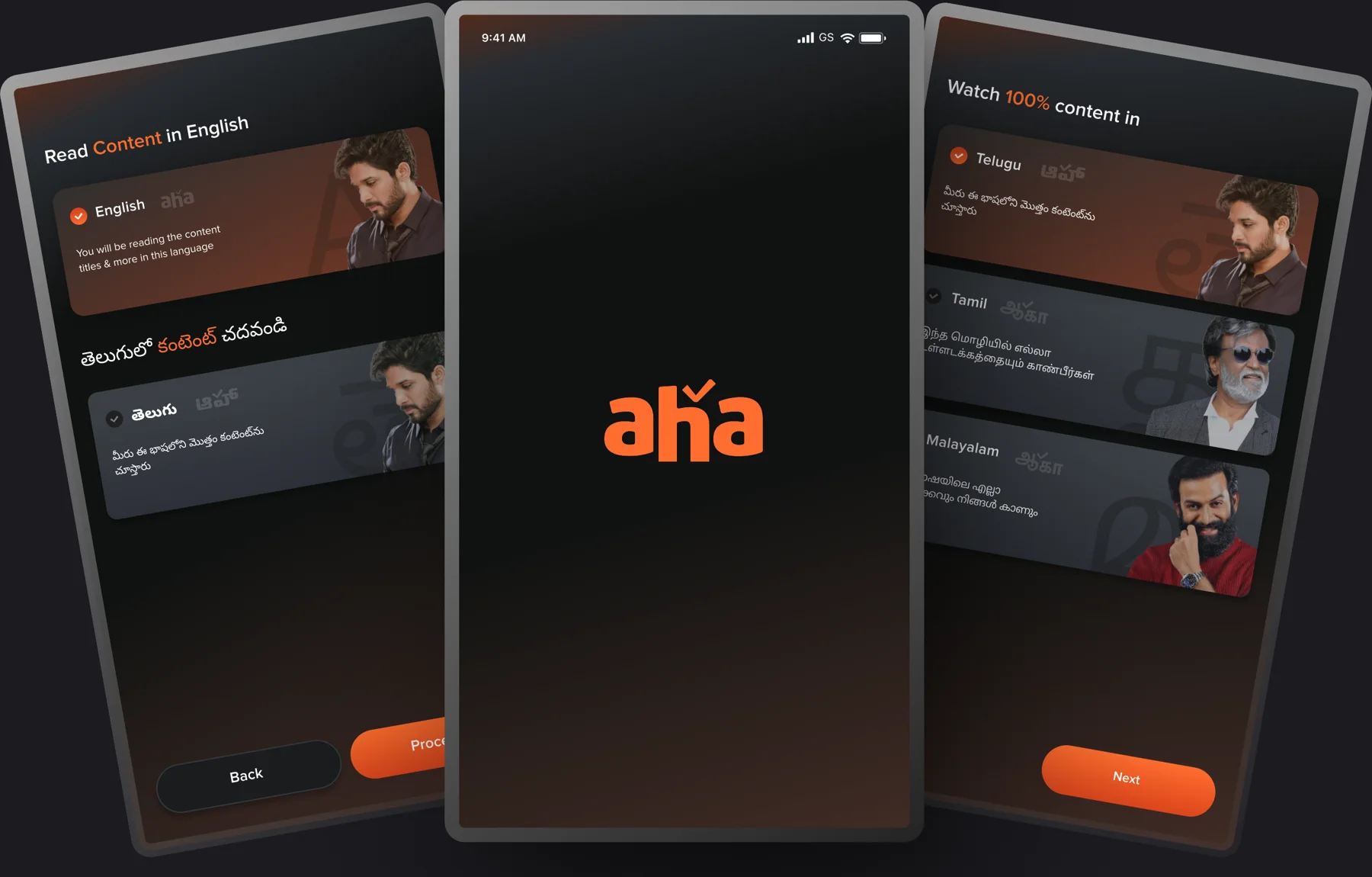
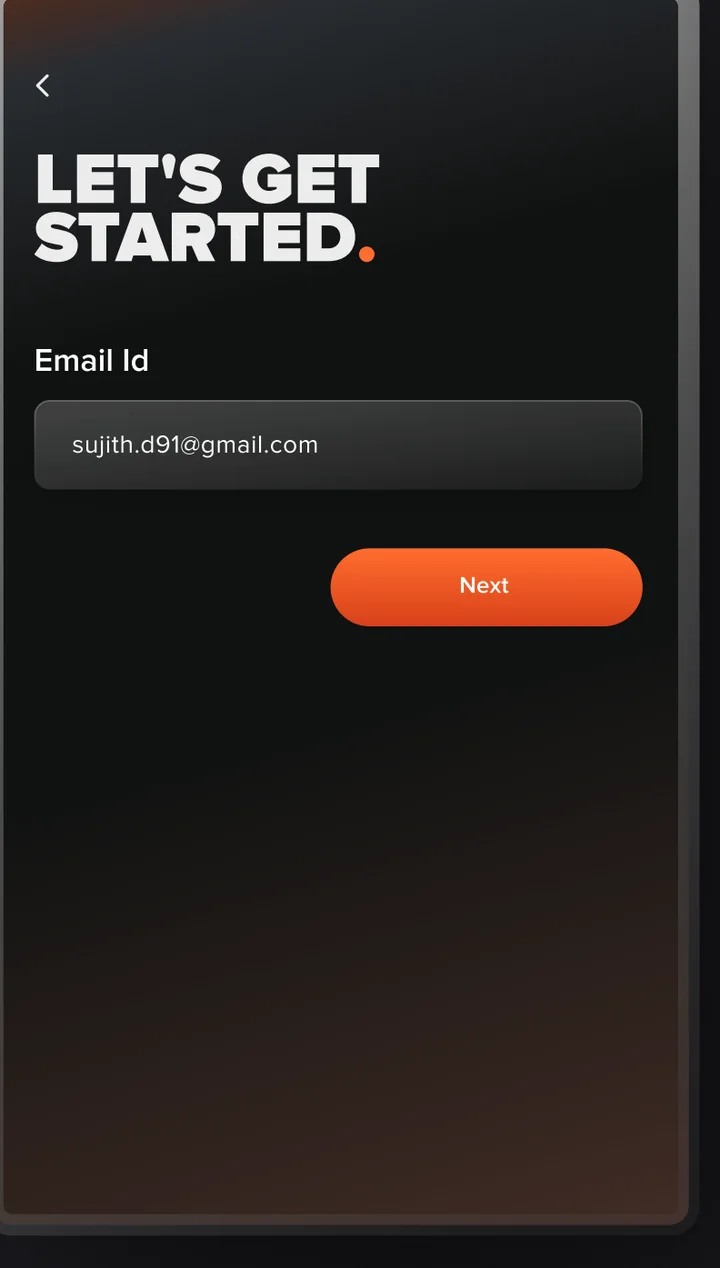
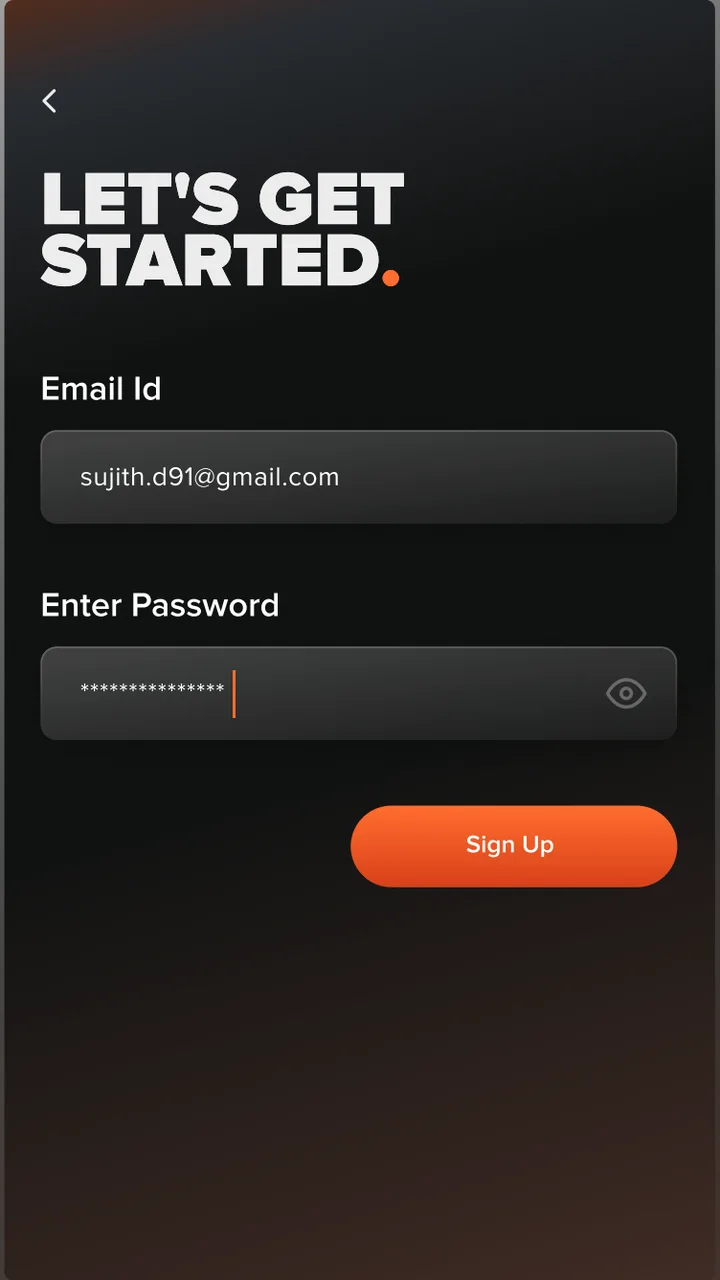
One question per screen, which seniors asked for.
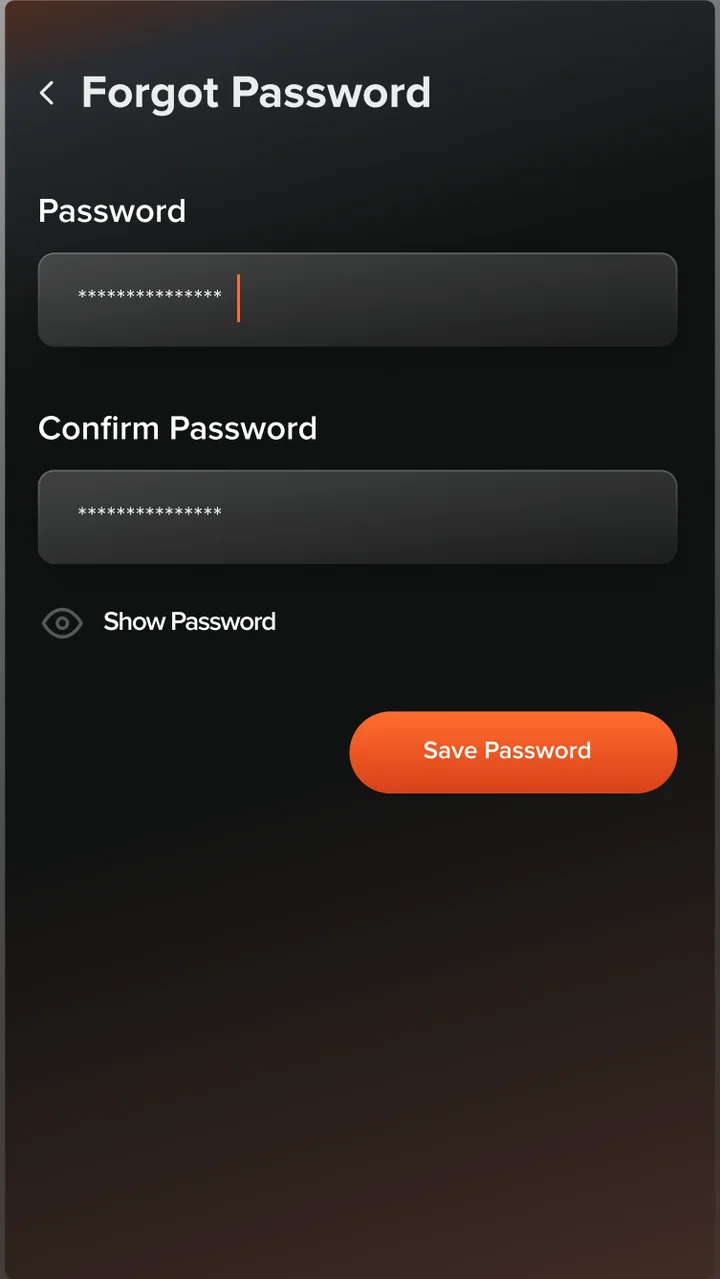
The shelf system, then the title page with trailer, play and download.
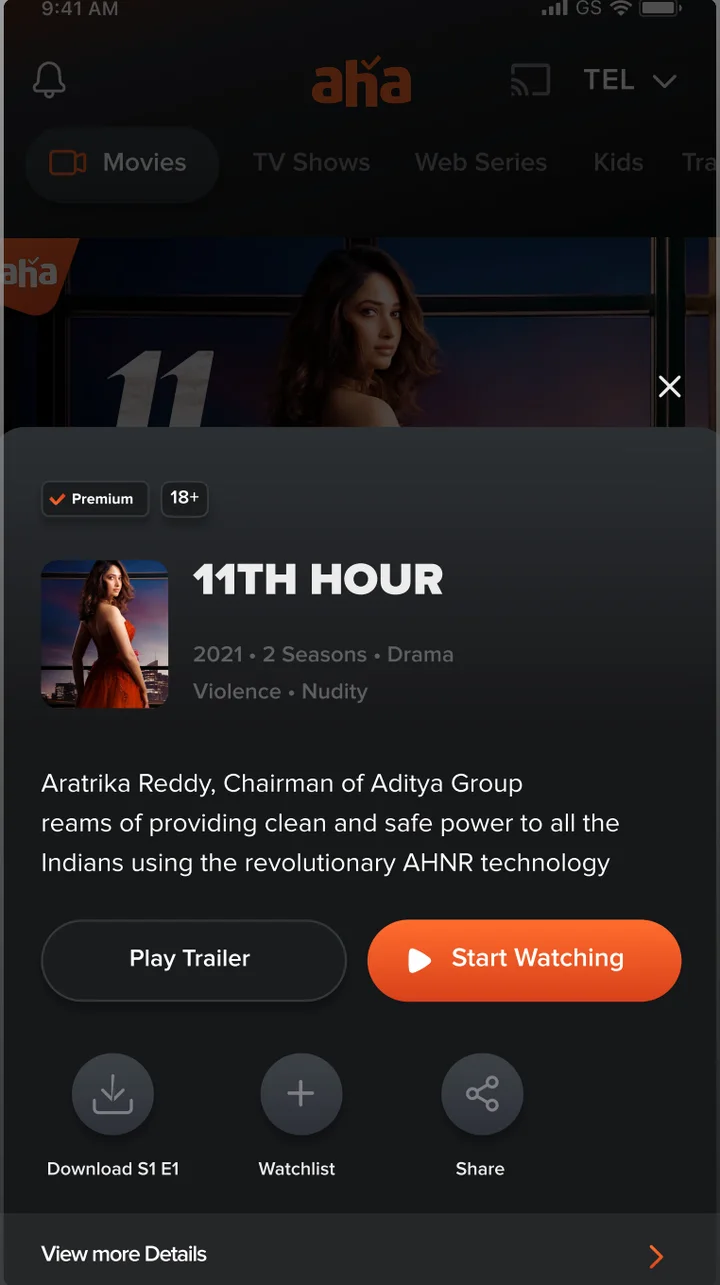
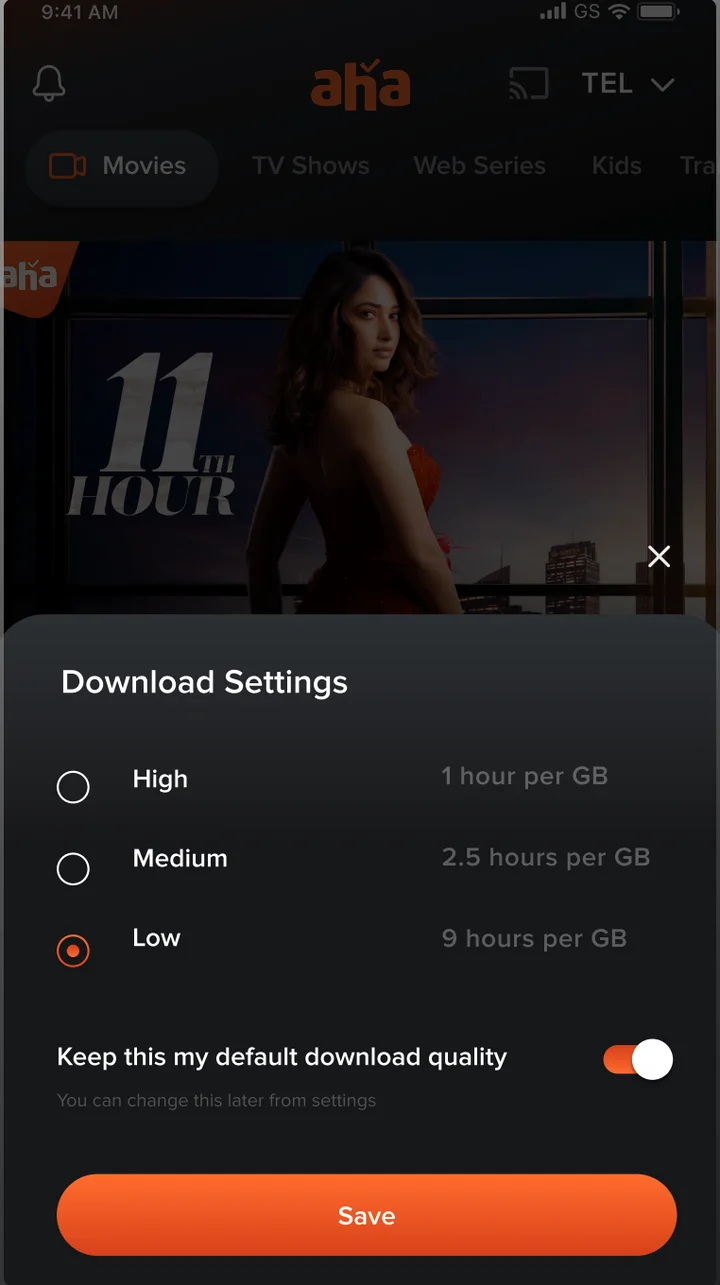
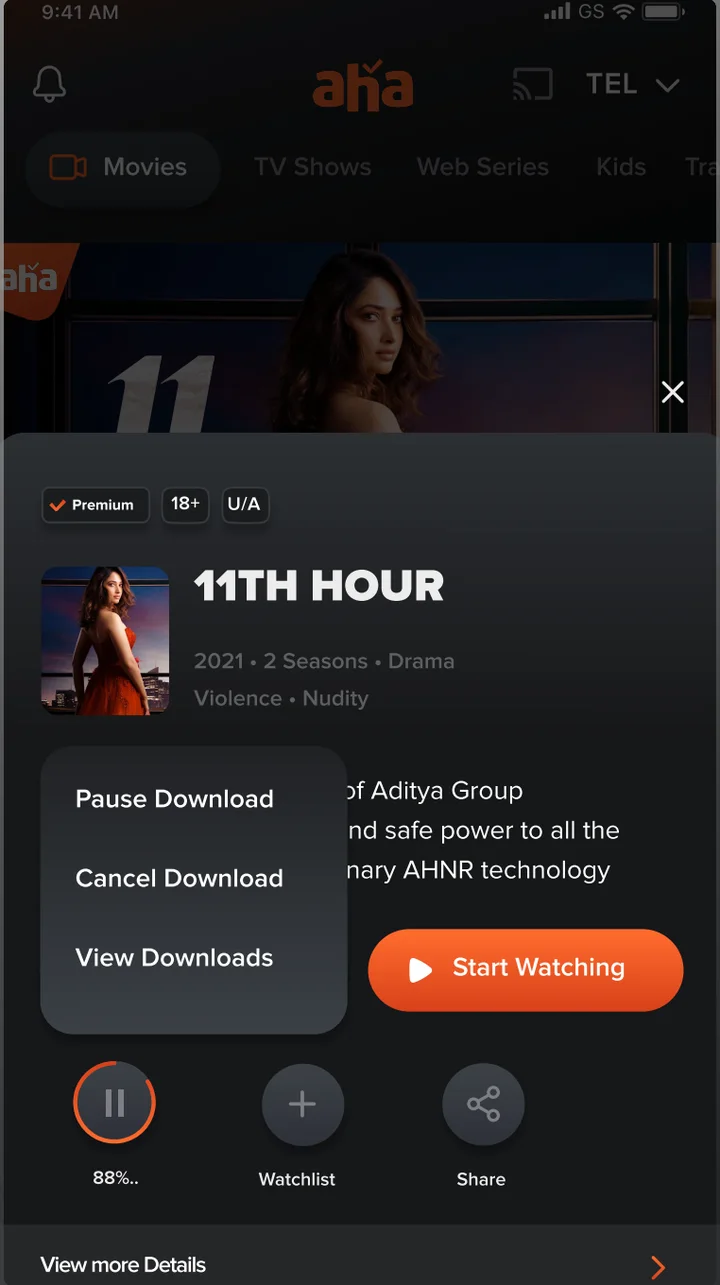
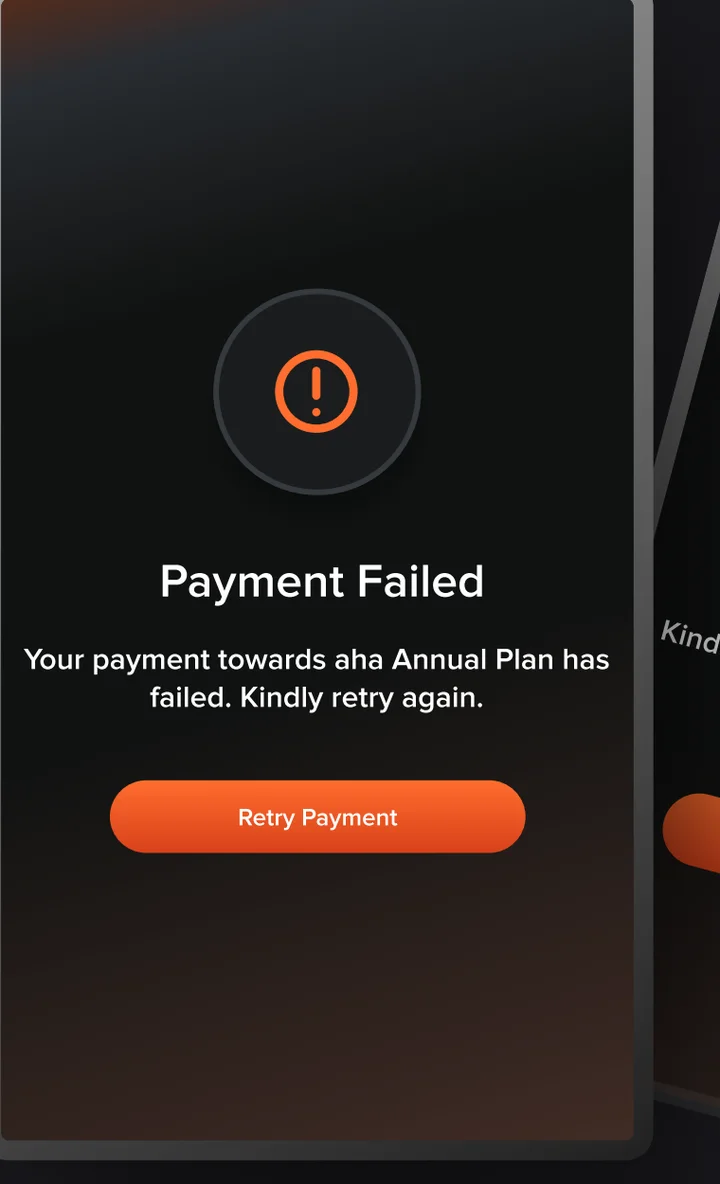
One icon, one line, the one action that makes sense next.
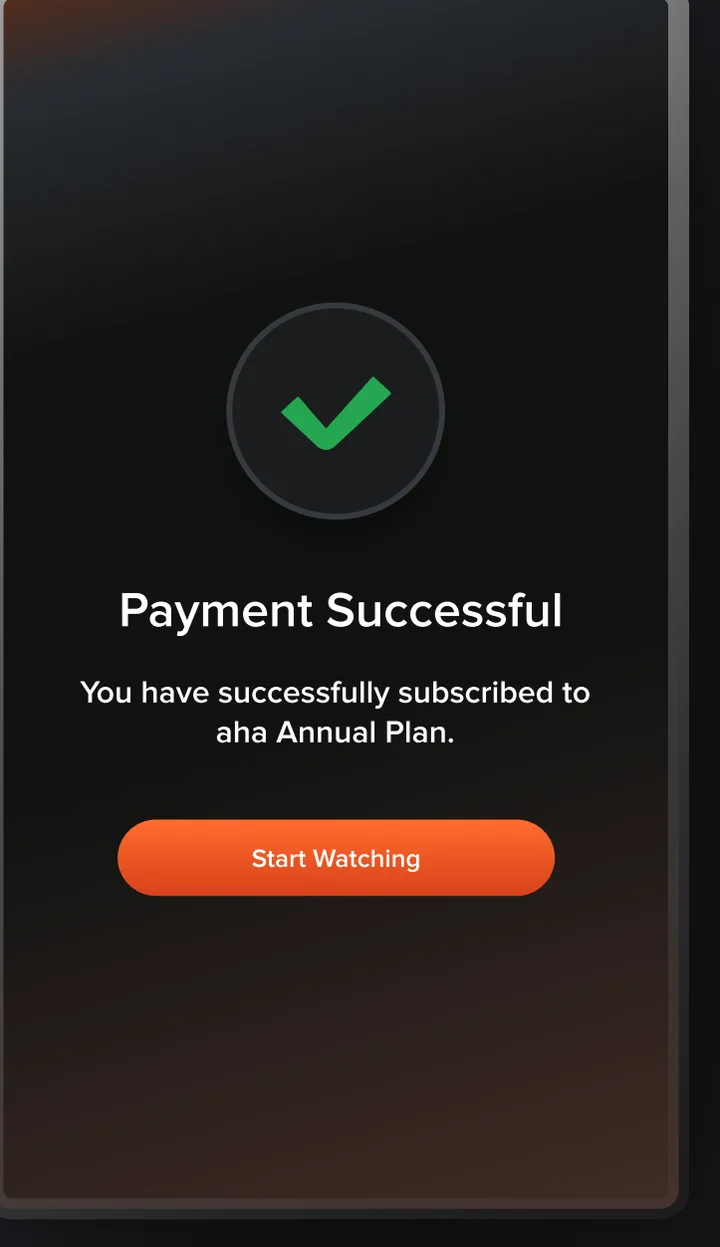
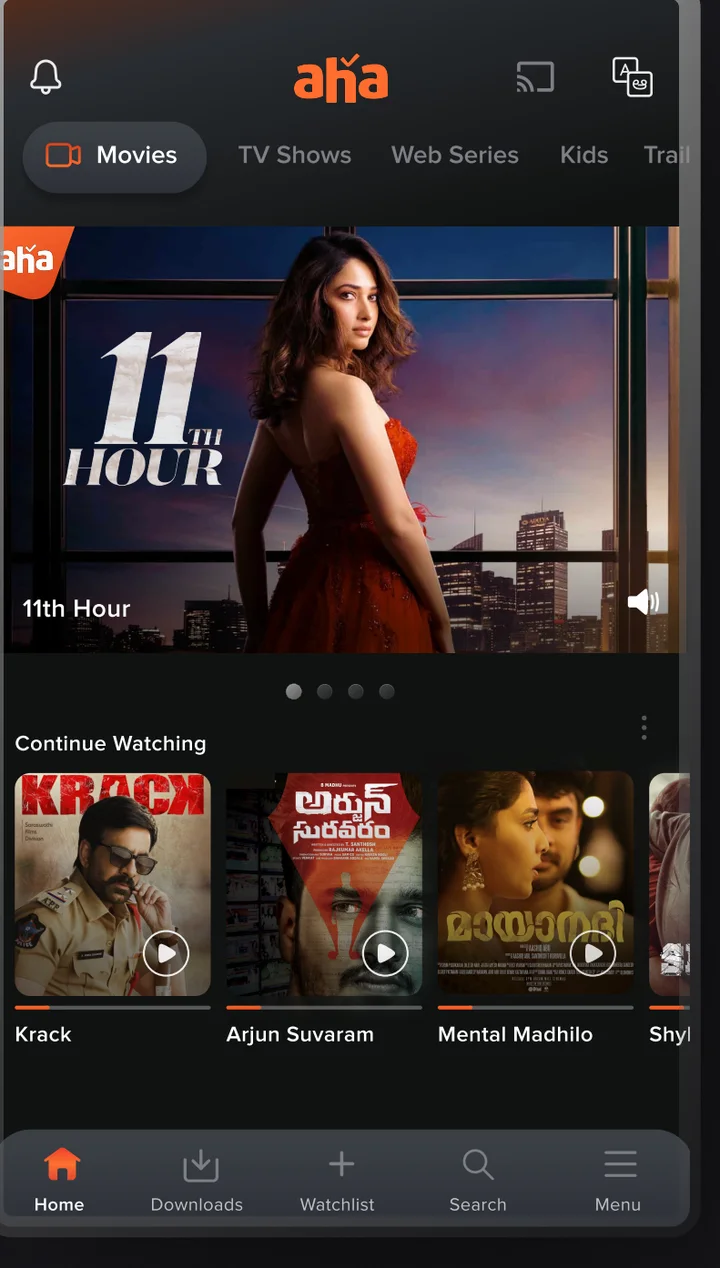
One scroll, every shelf.
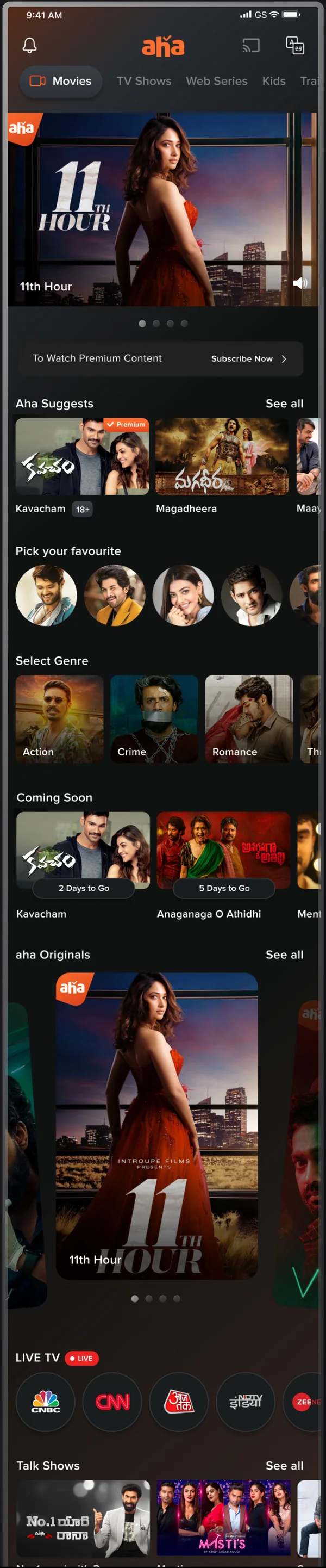
A hero title with sound control, then rows built from the research: suggestions, favourites, genres, coming soon, originals, live TV, talk shows and the aha store.
A starting point everyone could stand behind.
This document was the first iteration of aha's visual language, made to put a shared direction in front of stakeholders. Every screen traces back to a persona, an age group or a principle.
Strategy
- Business story and 3 imperatives
- Brand personality and audience traits
- Benchmark of Netflix, Prime, Hotstar
Audience
- 5 viewer personas
- 3 age groups with design considerations
- Accessibility rules for seniors
Interface
- Trends, type and colour
- 6 UI principles
- Onboarding to payment screens